
Field service for a pan-India network
One platform for customers, service partners, technicians, contracts, sales and inventory.
What we did
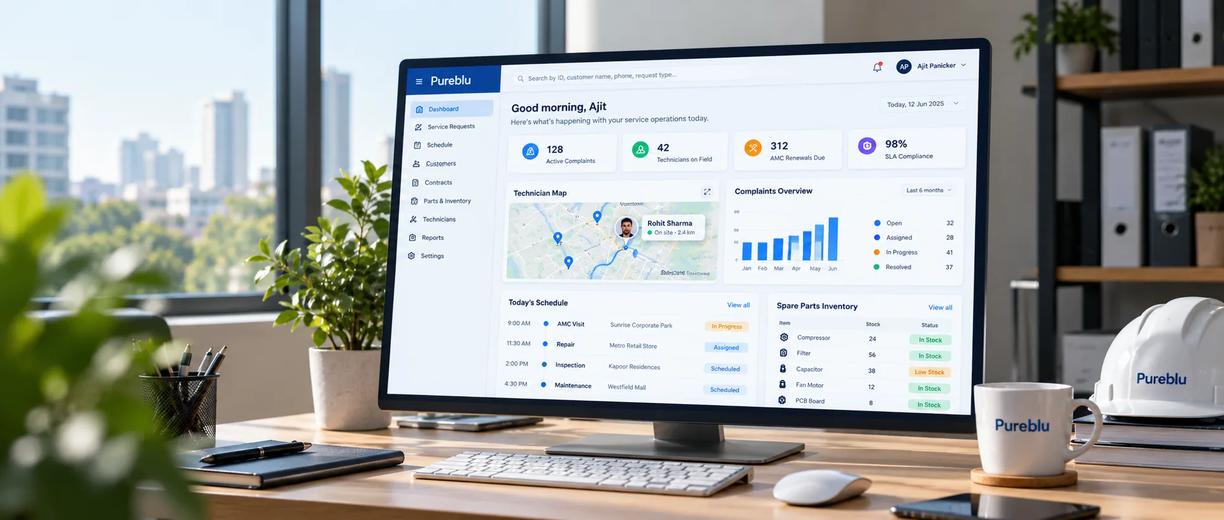
Building the operating system
behind a pan-India HVAC&R service network.
Pureblu operates a pan-India service network for the HVAC&R industry, helping enterprises manage air-conditioning and refrigeration service through a network of certified service partners.
As the operation grew, the complexity behind each service request grew with it. A single complaint could involve a customer, a piece of equipment, a technician, a service partner, a contract, spare parts, scheduling, reporting, and billing.
We built a connected platform that brings those workflows together — giving every team the tools they need while keeping everyone working from the same operational data.
Services
Industries
Highlight
Technologies
A service request is
never just a service request.
Pureblu serves several different audiences across its operation — internal administrators, independent service partners, enterprise customers, sales teams, and inventory and warehouse teams. Each group has a different job to do, but they all depend on the same underlying information: customers, equipment, complaints, technicians, contracts, and spare parts.
01
Five audiences, one shared dataset
Administrators, service partners, enterprise customers, sales teams, and inventory teams all needed the same underlying records, but never the same workflow — and giving each its own tool risked creating another collection of disconnected systems.
02
A single complaint could touch almost everything
A customer raises a complaint. Someone identifies the equipment involved. A technician gets assigned and scheduled. A service report gets completed. Parts may get consumed. The AMC or warranty needs checking. The customer and internal teams need visibility the entire time — the service lifecycle had effectively become the product.
03
The operation ran on WhatsApp, spreadsheets, and separate tools
Parts of the business relied on manual coordination across disconnected channels. The problem was simple to state and hard to solve: how do you give every team its own workflow without creating another set of disconnected systems?
Scope of work
Explore all our servicesAdmin & operations
- Master data management
- Operations oversight
- Permissions & access
- Activity logging
Field service
- Service request lifecycle
- Technician dispatch
- Live map & scheduling
- Service reports
Customer experience
- WhatsApp complaint registration
- Self-service scheduling & lookup
- Enterprise customer portal
Commercial & inventory
- Quotations & sales pipeline
- Spare-parts & warehouse management
- AMC & warranty tracking
Platform engineering
- Shared backend & component system
- Role-based access control
- Background processing
- Separate analytics layer
- Monitoring & audit trails
We started with the operation,
not the screens.
Before designing individual portals, we mapped how a service request moves through the business. The complaint became the central object connecting the rest of the platform.
01
One shared foundation
Different teams don't need completely separate applications to do their jobs. We built a shared backend and component system that supports different experiences without duplicating the underlying product.
02
Permissions from the beginning
An enterprise customer shouldn't see a service partner's data, and a partner shouldn't see another organization's information. Access requirements were treated as part of the product architecture from day one, not something added at the end.
03
Live operations where they matter
Field service is time-sensitive. Dispatchers need to know who is available, where technicians are, and what work needs attention — so live scheduling and mapping became core parts of the experience, not an add-on.
One platform.
Multiple ways of working.
We designed Pureblu as a unified platform with role-specific experiences. The teams don't all see the same interface — they don't need to. But underneath those different experiences, they work with the same connected operational data.
01
Admin portal
The operational center of the platform. Teams manage customers, technicians, service partners, contracts, and other core business information from one place — master data, operations, permissions, and activity, all in reach.
02
Partner portal
Service partners get their own workspace for managing service activity and technicians — scoped to the jobs and information relevant to their organization, without exposing unrelated business data.
03
Enterprise portal
Enterprise customers get a dedicated, self-service view of their equipment, complaints, and service history, without needing access to the internal operational environment.
04
Sales portal
Sales teams manage customer information, quotations, and commercial opportunities through a dedicated workflow that stays connected to the same customer and equipment information operations already uses.
05
Inventory portal
The inventory team manages spare parts and warehouse stock while remaining connected to the wider service operation — linking what happens in the field to the parts required to complete the work.
06
Customer-facing services
Public experiences let customers schedule service, look up complaints, give feedback, and access relevant information directly — removing friction on the customer side while staying connected to the internal workflow.
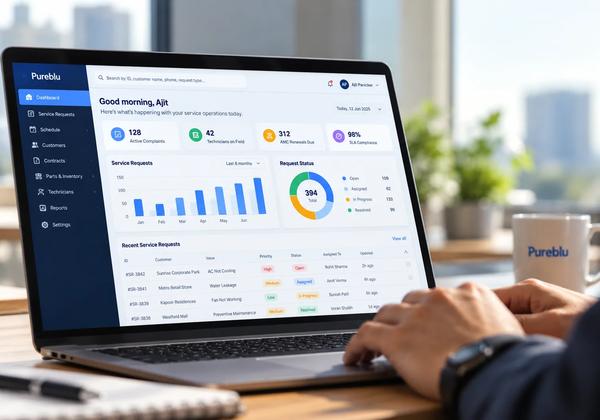
A complaint becomes
a connected workflow.
Four ways the platform turns a single service request into a connected, visible operation.
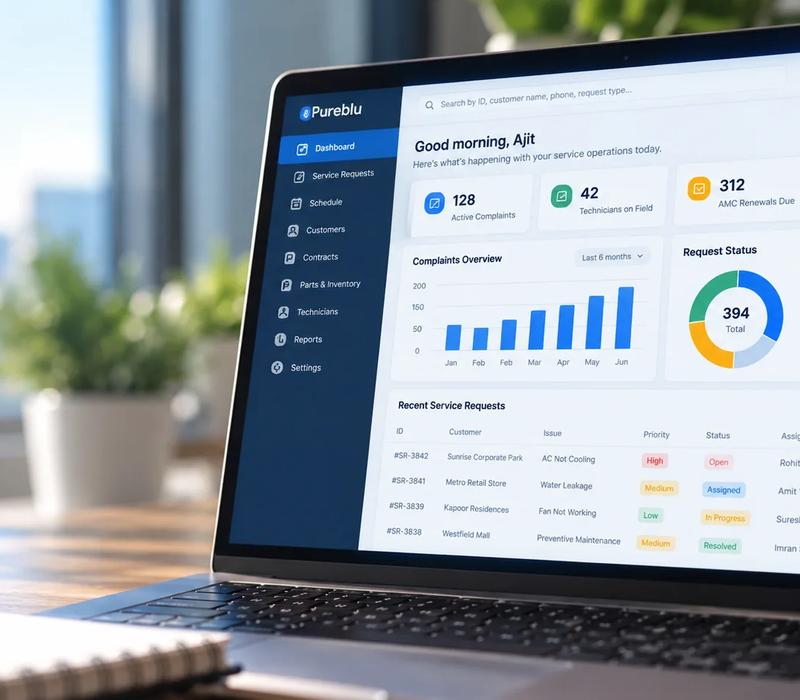
A complaint becomes a connected workflow
A complaint in Pureblu can connect the customer, equipment, technician, scheduling information, service report, parts, and contract context — so the same request moves through the entire operation without teams recreating information at every stage.

Live technician dispatch
Dispatchers see technician availability and location on a live map alongside a resource-based scheduling view, and can make the assignment from the same interface.
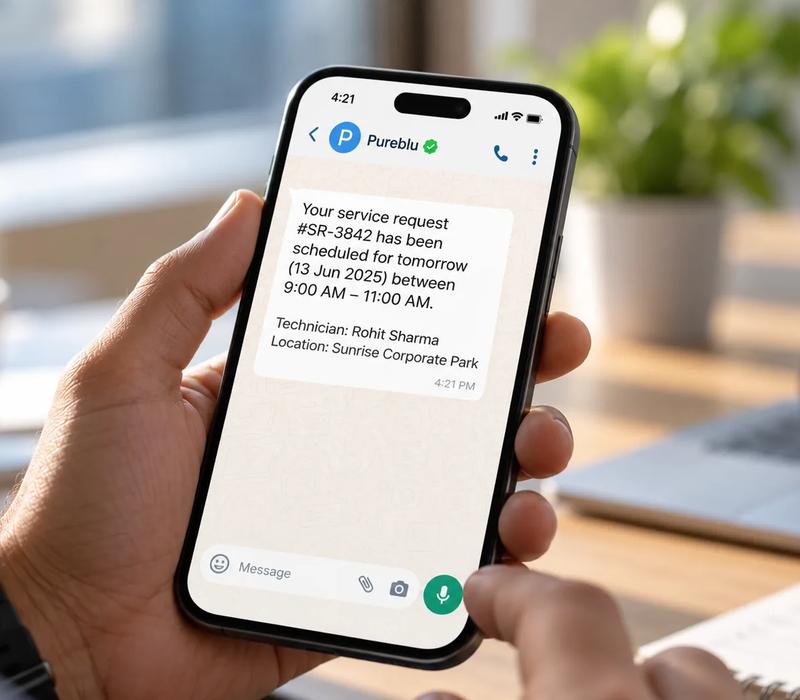
WhatsApp complaint registration
Customers can raise a service request by sending a WhatsApp message through a channel they already use — it becomes part of the same complaint lifecycle used by internal teams.
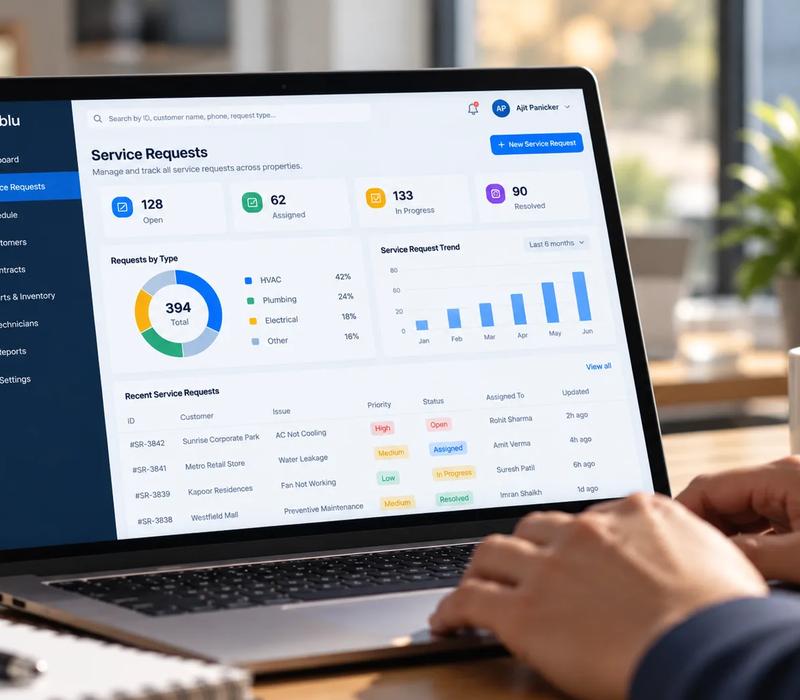
AMC and warranty management
Pureblu tracks maintenance contracts and warranty status, with automated reminders that flag contracts approaching expiry before the relationship lapses.
Built as one platform,
not a collection of disconnected tools.
The technical architecture was designed around the operational requirements of the business, not the other way around.
A common API and shared component system power every portal and customer-facing experience.
Functionality gets built once and reused across the platform, permissions are enforced at the route, model, and interface level, and resource-intensive work runs in the background so it never interrupts core operations.
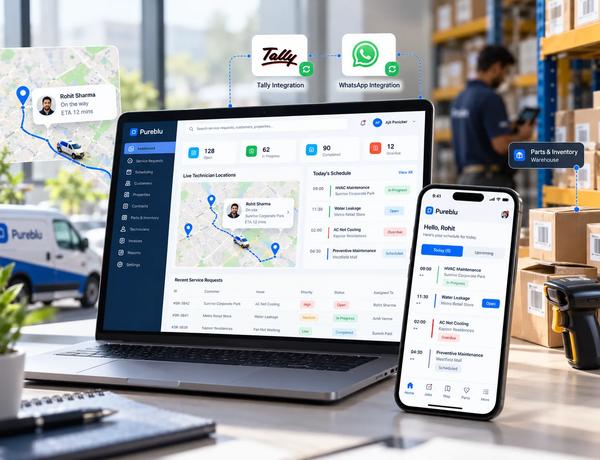
Shared backend, shared components
One API and one component system power every portal, so functionality is built once and reused everywhere instead of duplicated per team.
Role-based access, built in from day one
Permissions are enforced at the route, model, and interface level, so each user only ever sees their own organization's data.
Live operations, separated from historical reporting
Background processing keeps core workflows fast, and a dedicated analytics layer keeps large historical queries from competing with live service work.
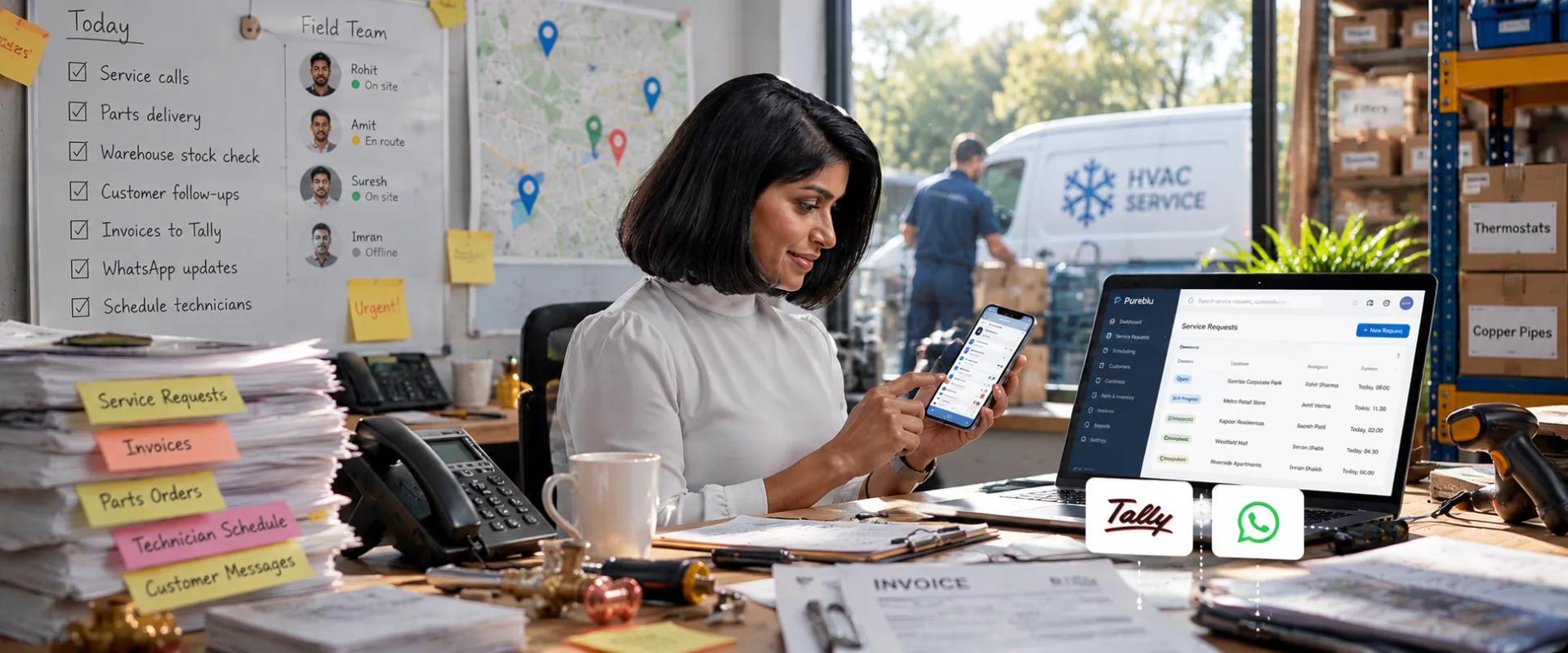
More than a CRM.
Pureblu started with a simple need: make HVAC&R service easier to manage at scale. The answer wasn't another CRM — it was a platform designed around the complete service lifecycle, from the first WhatsApp message to technician dispatch, service completion, and contract renewal.
Every discipline this build touched.
From the frontend and backend through field operations, integrations, and monitoring — the full stack behind a pan-India HVAC&R service platform.
Frontend
 Next.js
 React
React TypeScript
Backend
Data & infrastructure
 AWS S3
Field operations
Integrations
Monitoring
One connected operation
instead of disconnected workflows.
Customers now have a simpler way to ask for help, starting a complaint through WhatsApp rather than navigating a complicated support process. Dispatchers have a live view of the field, with technician availability, location, and scheduling brought together so assignments happen in the context of the real operation. Contract renewals became proactive instead of relying on manual checks. And because every portal shares one backend and component foundation, new capabilities don't need to be built independently for every team.
30 sec
to register a complaint through WhatsApp
25%
increase in AMC contract renewals
60%
faster technician assignment, complaint to dispatch
1,000s
of complaints processed across the service network
Other work
from the same team.
Scattered music systems, now one platform
Distribution, artist and label storefronts, payments, royalties and rights in one place.
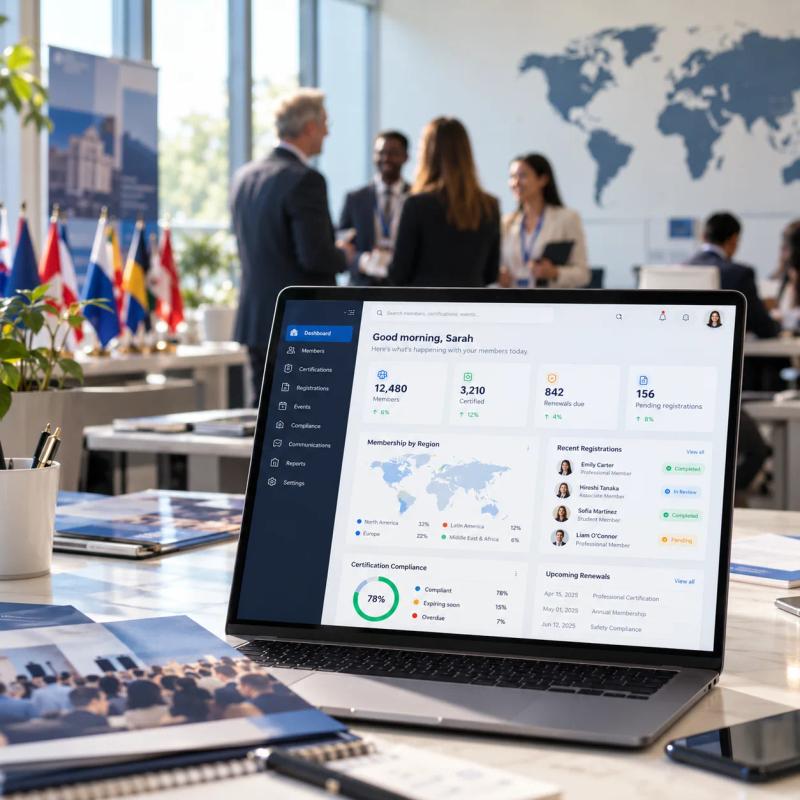
Legacy membership workflows, moved to one global platform
Membership, certification and registration for a global professional association, moved to a modern platform.

An ageing subscription platform, modernized module by module
A subscription platform for animal breeders, modernized one module at a time.
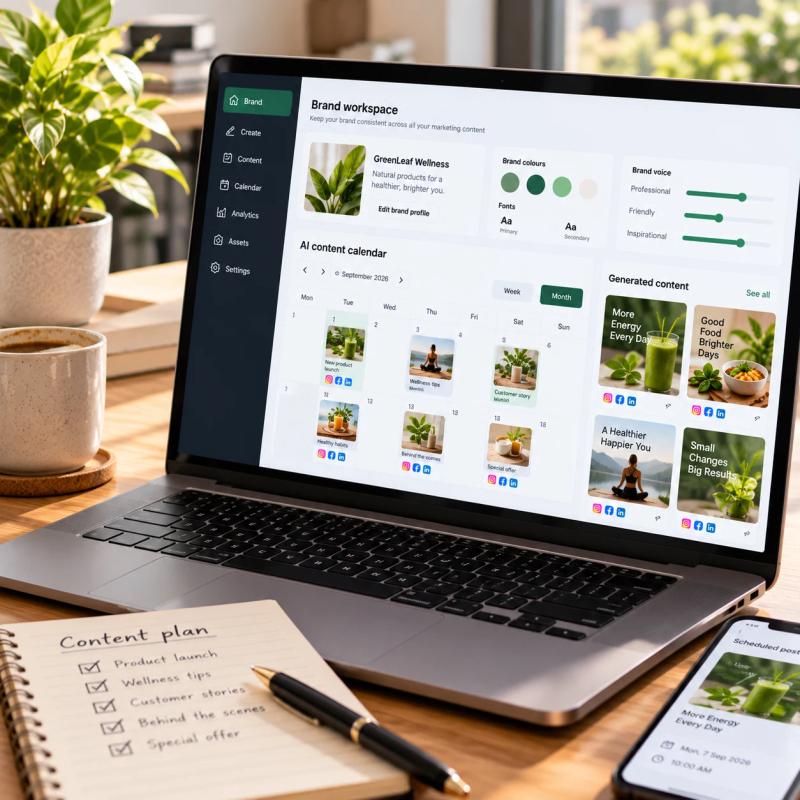
Brand analysis, content and publishing in one AI platform
Helps businesses understand their brand, create content and creative assets, and publish to social channels. Built from scratch.


Start a project
Have a similar problem?
Send a brief
We reply within one business day and set up a free 30-minute call.